
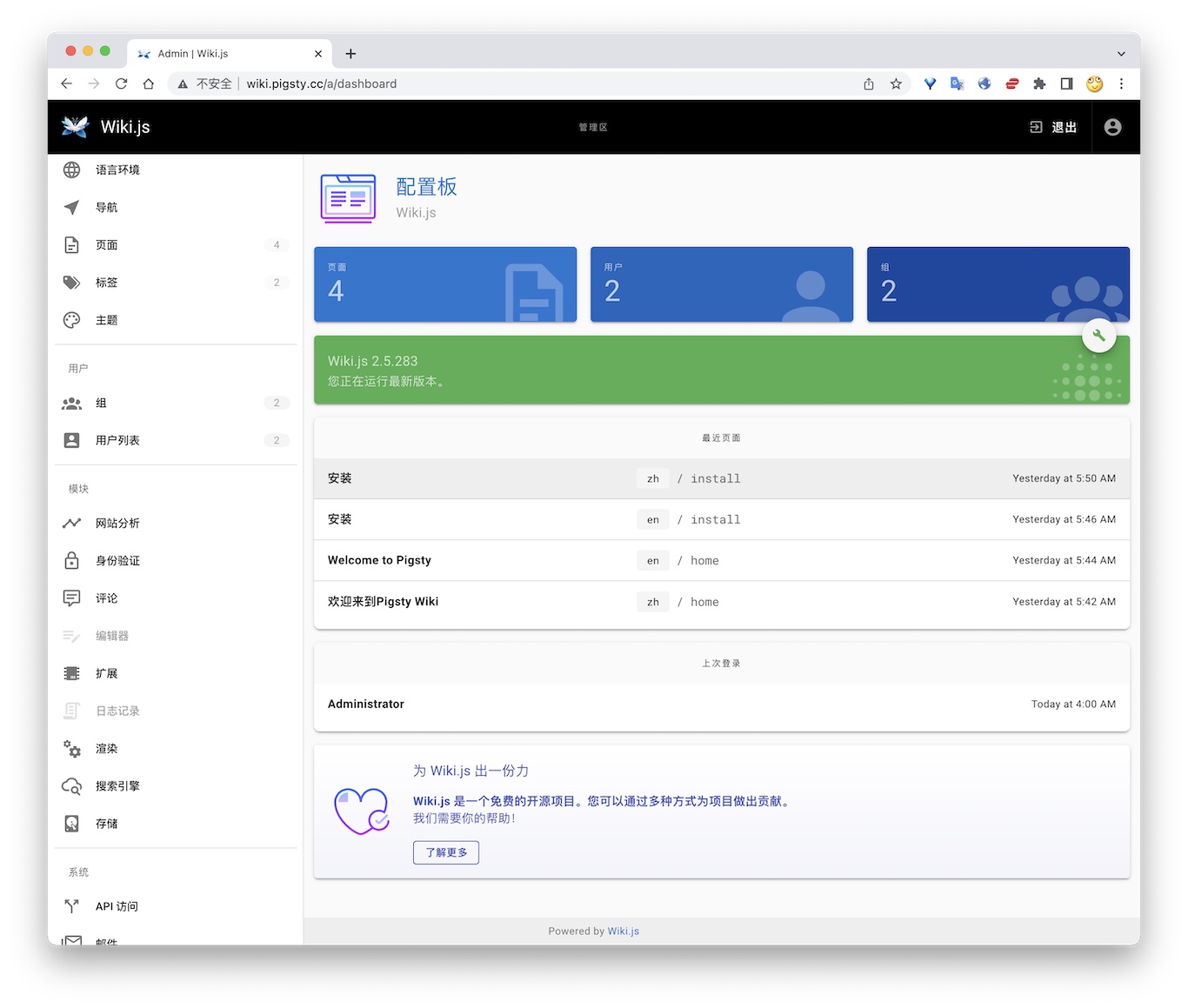
公开 Demo 地址:http://wiki.pigsty.cc
太长;不看
bash
cd app/wiki ; docker-compose up -d准备数据库
yaml
# postgres://dbuser_wiki:DBUser.Wiki@10.10.10.10:5432/wiki
- { name: wiki, owner: dbuser_wiki, revokeconn: true , comment: wiki the api gateway database }
- { name: dbuser_wiki, password: DBUser.Wiki , pgbouncer: true , roles: [ dbrole_admin ] }bash
bin/createuser pg-meta dbuser_wiki
bin/createdb pg-meta wiki容器配置
yaml
version: "3"
services:
  wiki:
    container_name: wiki
    image: requarks/wiki:2
    environment:
      DB_TYPE: postgres
      DB_HOST: 10.10.10.10
      DB_PORT: 5432
      DB_USER: dbuser_wiki
      DB_PASS: DBUser.Wiki
      DB_NAME: wiki
    restart: unless-stopped
    ports:
- "9002:3000"Access
- Default Port for wiki: 9002
yaml
# add to nginx_upstream
- { name: wiki , domain: wiki.pigsty.cc , endpoint: "127.0.0.1:9002" }bash
./infra.yml -t nginx_config
ansible all -b -a 'nginx -s reload'